TL;DR — My 2026 Flutter stack:
- IDE: Google Antigravity (agentic planning, browser agent for web)
- Terminal: Warp (Rust-based, AI command search, workflow blocks)
- Design reference: Mobbin (curated real-world mobile UI library)
- State + DI: Riverpod (compile-time safety, testable, cache-smart)
The common thread: tools that remove friction, not add features.
There is a distinct difference between “knowing Flutter” and “shipping Flutter apps.” The former requires knowledge of widgets, state management, and Dart. The latter requires a workflow that keeps you sane when the simulator crashes, the design changes, or you’re staring at a blank screen trying to architect a new feature.
As a Senior Flutter Developer working in the fast-paced startup world I’ve realized that my efficiency isn’t just about typing speed , it’s about the tools I surround myself with.
I’ve moved beyond the standard VS Code + Emulator setup. Here is the software stack I personally use to design, build, and improve mobile apps in 2026.
1. Google Antigravity
The “Agent-First” IDE
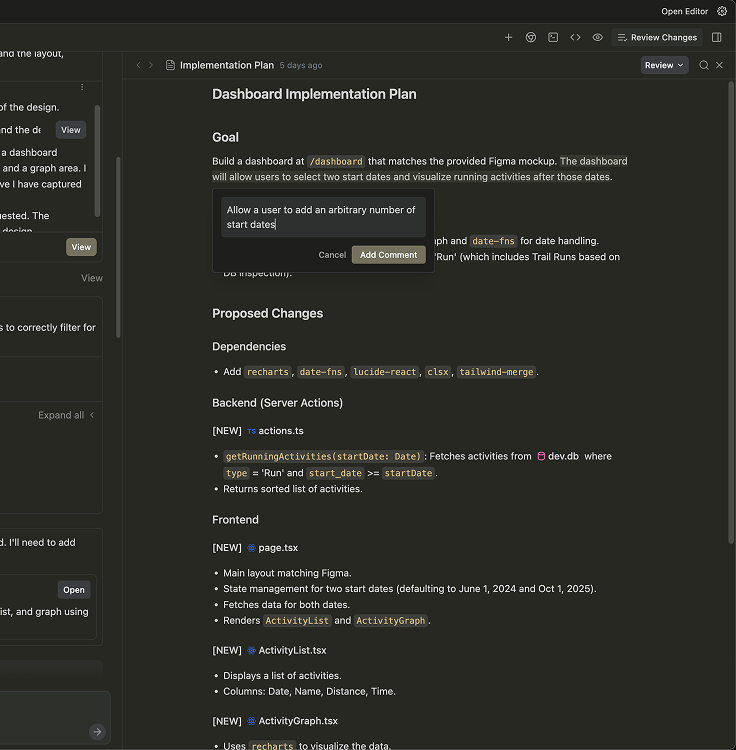
If you are still just using Copilot to autocomplete your code, you are missing the next leap in development evolution. Google Antigravity isn’t just an editor; it’s an agentic platform. It’s the difference between having a smart typewriter and having a junior developer sitting next to you.
How I Use It: I don’t use Antigravity for simple syntax highlighting. I use it for its Mission Control. When I’m starting a complex feature , say, implementing a new navigation flow with GoRouter or setting up a fresh Riverpod provider structure , I delegate the planning to Antigravity.
I open the “Manager” view and assign a task like, “Analyze my current auth repository and refactor the error handling to use functional programming patterns.”
Why It Improves My Workflow:
- Artifacts over Chat: Unlike standard AI chats that disappear, Antigravity generates “Artifacts” , tangible task lists, implementation plans, and code diffs. I can review the plan before a single line of code is written.
- The Browser Agent: I often build for web alongside mobile. Antigravity has a browser agent that can actually “look” at my localhost, click buttons, and verify if the UI matches my instructions. It saves me hours of manual regression testing.
2. Warp
The Terminal for the 21st Century
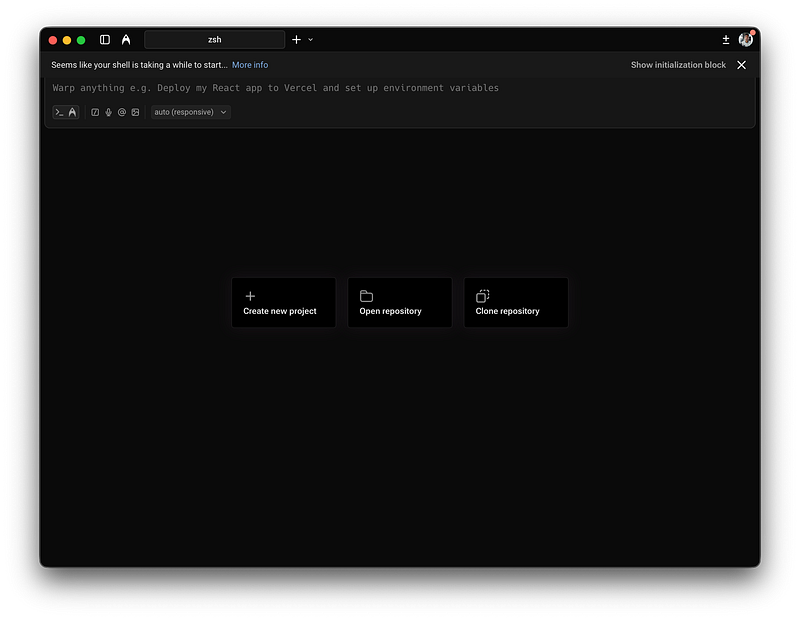
For years, the terminal was the most archaic part of my workflow. A black box where I typed flutter pub get and hoped for the best. Warp changed that completely. It’s a Rust-based terminal that feels like a modern native app.
How I Use It: I use Warp for all my CLI needs: Git commands, dependency management, and running build runners. But the killer feature for me is Workflows. I have saved workflows for those long, obscure build commands that I always forget (like generating golden tests or specific build_runner sequences).
Why It Improves My Workflow:
- Blocks: Warp groups command outputs into “blocks.” If a build fails with a massive stack trace, I don’t have to scroll endlessly. I just navigate to that specific block.
- AI Command Search: Instead of Googling “how to undo the last git commit but keep changes,” I just type that into Warp’s AI search, and it suggests the correct flag. It keeps me in the flow state.
Your invite to Warp-the agentic development platform
3. Mobbin
The UI Encyclopedia
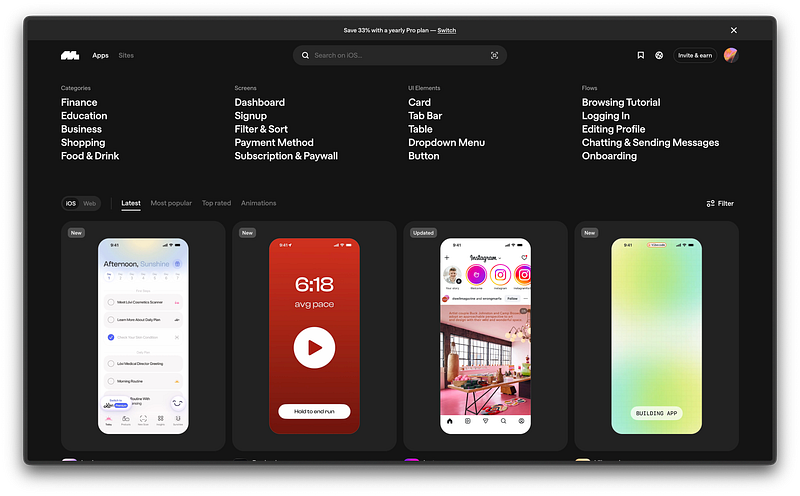
I am a developer, but I have a strong bias toward minimalist, clean design. However, staring at a blank Figma canvas is paralyzing. Mobbin is a massive, curated library of real-world mobile app design patterns.
How I Use It: When I’m building a UI , let’s say, a checkout flow for a client’s e-commerce app , I don’t guess. I go to Mobbin and filter by “Checkout” and “iOS.” I look at how apps like Airbnb or Stripe handle their input fields, spacing, and error states.
Why It Improves My Workflow:
- Solves “Blank Page” Syndrome: I never start from zero. I start with best practices from the world’s top apps.
- Platform Specifics: Mobbin lets me filter by Android vs. iOS. This is crucial for Flutter development, as I want to ensure my implementations respect platform conventions (like Material 3 vs. Cupertino) without compromising the brand identity.
Discover iOS apps | Mobbin - UI & UX design inspiration for mobile & web apps
4. Riverpod
The “Sanity Saver” State Management
While not a standalone “app,” Riverpod is a tool I rely on so heavily it deserves a spot here. It is the backbone of every project I touch, from my startup work to my personal experiments.
How I Use It: I use Riverpod for more than just state; I use it for dependency injection and caching. In my app ziif, for example, Riverpod manages the entire data layer, ensuring that network requests are cached and invalidated smartly without me writing boilerplate code.
Why It Improves My Workflow:
- Compile-Time Safety: I don’t worry about
ProviderNotFoundException. If the code compiles, the state is there. - Testability: mocking providers in tests is incredibly simple, which encourages me to actually write tests.
Conclusion
The best tools don’t just add features; they remove friction.
- Antigravity removes the friction of planning and refactoring.
- Warp removes the friction of CLI management.
- Mobbin removes the friction of design decisions.
If you’re a Flutter developer looking to level up, stop worrying about learning the 100th new widget. Instead, audit your workflow. Are your tools working for you, or are you working for them?
What tools are indispensable in your Flutter stack? Let me know in the comments.